
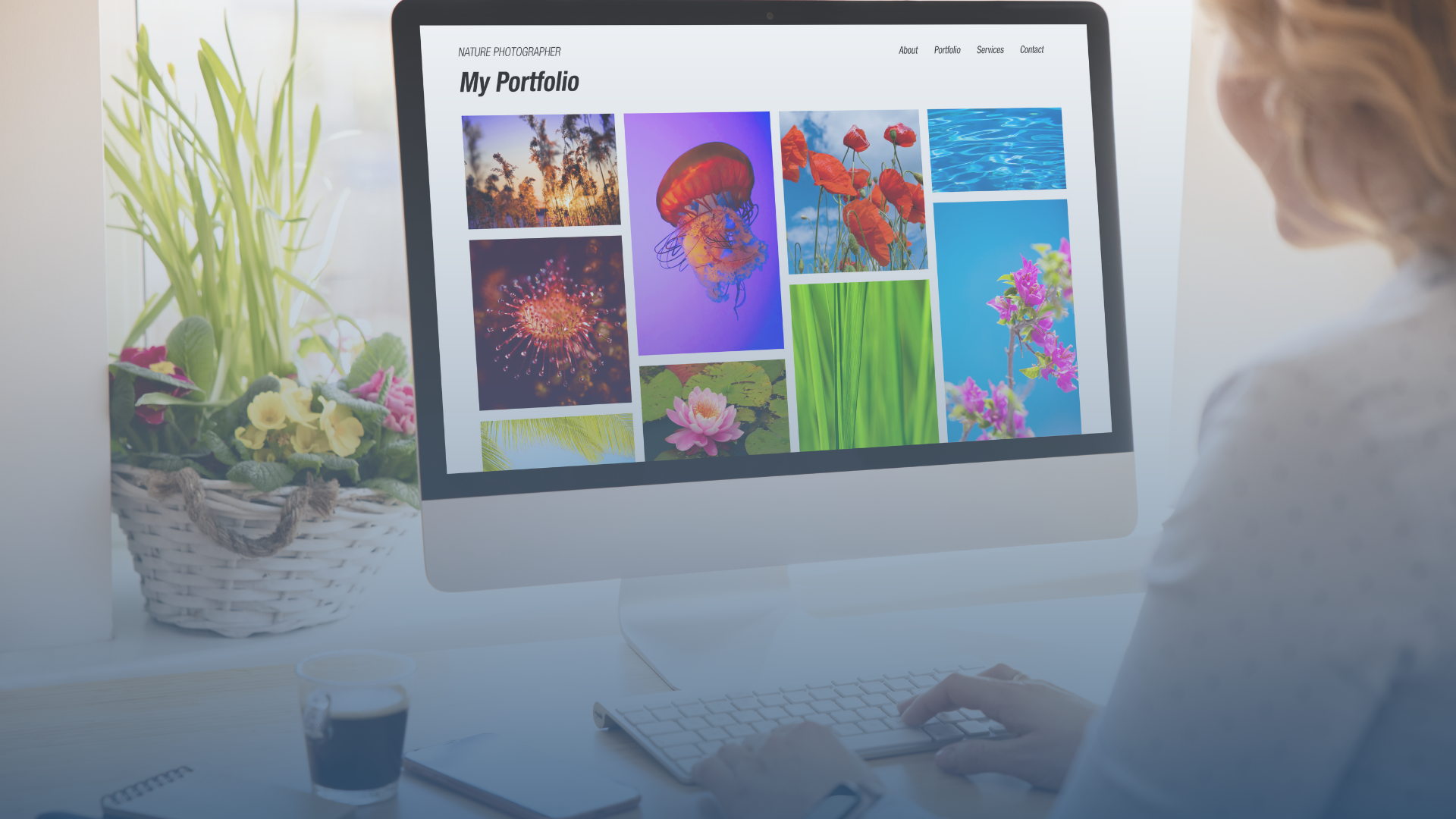
Building a powerful online portfolio is an essential step for anyone looking to stand out in the competitive world of freelancing, job hunting, or even showcasing personal work. Whether you’re a designer, developer, photographer, writer, or any other creative professional, your portfolio is your most powerful tool to showcase your skills, experience, and expertise. Here’s a step-by-step guide to help you build an impressive online portfolio.
1. Choose the Right Platform
The first step to creating your online portfolio is selecting the right platform. Depending on your technical skills and the type of work you do, there are various platforms to choose from:
- For designers and creatives: Platforms like Behance, Dribbble, or Adobe Portfolio are great choices for visual creatives. These platforms offer customizable templates and are popular within the creative community.
- For developers: GitHub and WordPress are ideal for web developers, where you can showcase your projects and even share the code behind them.
- For writers: WordPress, Medium, or Squarespace are excellent platforms for bloggers, journalists, and copywriters, allowing for easy management and organization of written content.
Make sure your platform reflects your work and is user-friendly. It should be easy to navigate and showcase your talent.
2. Select Your Best Work
Your portfolio should feature only your best work. Be selective and display projects that align with the type of work you want to be hired for. Consider including:
- Personal projects: These can showcase your creativity and passion for your craft.
- Client work: If applicable, showcase work you’ve done for clients. Make sure to get permission to display it.
- Case studies: For certain professions like design, development, or marketing, including case studies that show the process and outcome of your work is incredibly impactful.
Quality matters more than quantity. Aim for a concise but impactful collection of your work, demonstrating a variety of skills.
3. Create a Professional About Me Section
The “About Me” section of your portfolio is where potential clients or employers can get to know you. A strong “About Me” section should include:
- A brief biography: A short description of who you are, your background, and what you do.
- Your mission or goals: Share what drives you in your profession and what you’re passionate about.
- Skills and expertise: Highlight your core competencies and the areas in which you excel.
- A professional photo: People love to connect with faces. Including a high-quality, professional-looking photo can help build trust.
This section should be concise, engaging, and reflective of your personality and professional demeanor.
4. Highlight Testimonials and Recommendations
One of the most effective ways to build credibility is by showcasing testimonials or recommendations from previous clients, colleagues, or employers. These can significantly influence potential clients by providing social proof of your abilities. Here’s how you can do it:
- Client testimonials: If you’ve worked with clients, ask them for testimonials about your work. A few short, positive quotes can speak volumes.
- LinkedIn recommendations: If you’re on LinkedIn, consider showcasing recommendations that you’ve received there.
- Peer testimonials: Colleagues or mentors can provide endorsements of your skills and work ethic.
Testimonial pages or individual snippets on your portfolio can enhance its credibility.
5. Optimize for User Experience
A good portfolio is not only about having great content but also about delivering a great user experience. This includes:
- Easy navigation: Make sure your website is intuitive, with clearly defined sections. A clean, simple layout will help visitors focus on your work.
- Responsive design: Your portfolio should look great on any device, whether desktop, tablet, or mobile. With most traffic coming from mobile devices, a responsive design is a must.
- Fast loading speed: Optimize your images and content so your portfolio loads quickly, reducing the risk of losing visitors due to slow loading times.
A good portfolio should feel smooth, professional, and accessible to anyone viewing it.
6. Include Your Contact Information
Make it easy for visitors to contact you by including a clear, simple contact section. This should include:
- Your email address: This is the primary method for contact.
- Social media links: Include relevant social media profiles (LinkedIn, Instagram, Twitter, etc.).
- A contact form: Some portfolios include a contact form for easy communication, ensuring potential clients can reach you without leaving the site.
Make sure the contact information is visible and easy to access, possibly in the header or footer of every page.
7. Keep It Updated
Your portfolio should be a living document—constantly updated with new work, skills, and achievements. This shows that you are active in your field and keeps your content relevant. It’s a good idea to:
- Regularly add new projects as you complete them.
- Refresh your bio and other details periodically.
- Remove outdated work that no longer represents your current skills or style.
An up-to-date portfolio shows you’re committed to growth and improvement.
8. Focus on Branding
Your portfolio should be a reflection of your personal or business brand. Whether you want it to be minimalistic, vibrant, or professional, the design should match the image you want to portray. Consider:
- Colors and fonts: Choose a color scheme and fonts that complement your work and industry.
- Logo and header: If you have a personal logo or a business name, make sure it’s prominently displayed.
- Visual consistency: All pages, projects, and content should have a consistent look and feel, which reinforces your brand identity.